A look at SchellingBoard's screens, from proposing a session to seeing
it on the schedule. Click any screenshot to zoom in — or read the
documentation for what
each screen does.
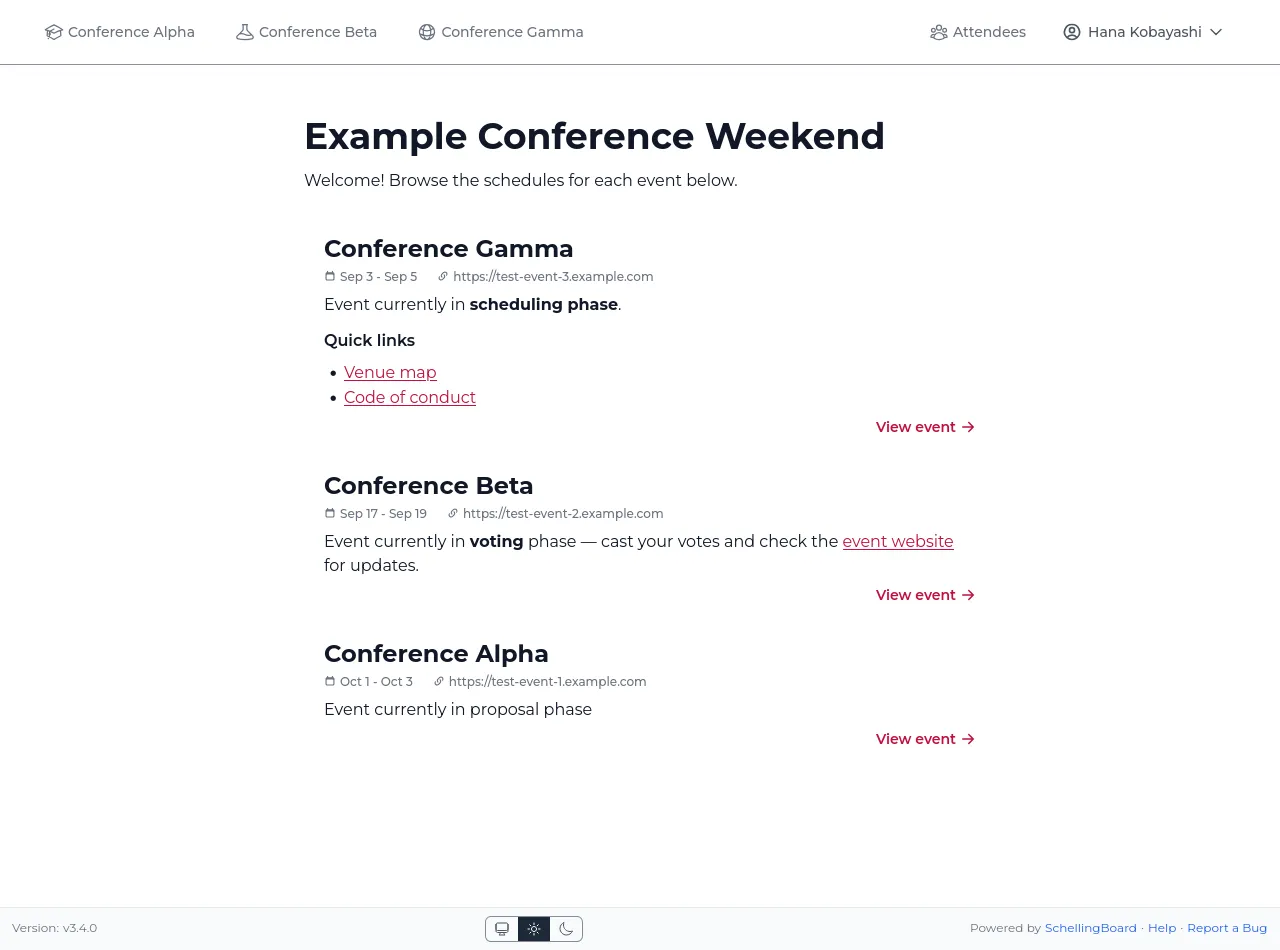
1. Manage multiple eventsEvery event gets its own page with phase, dates, and quick links,
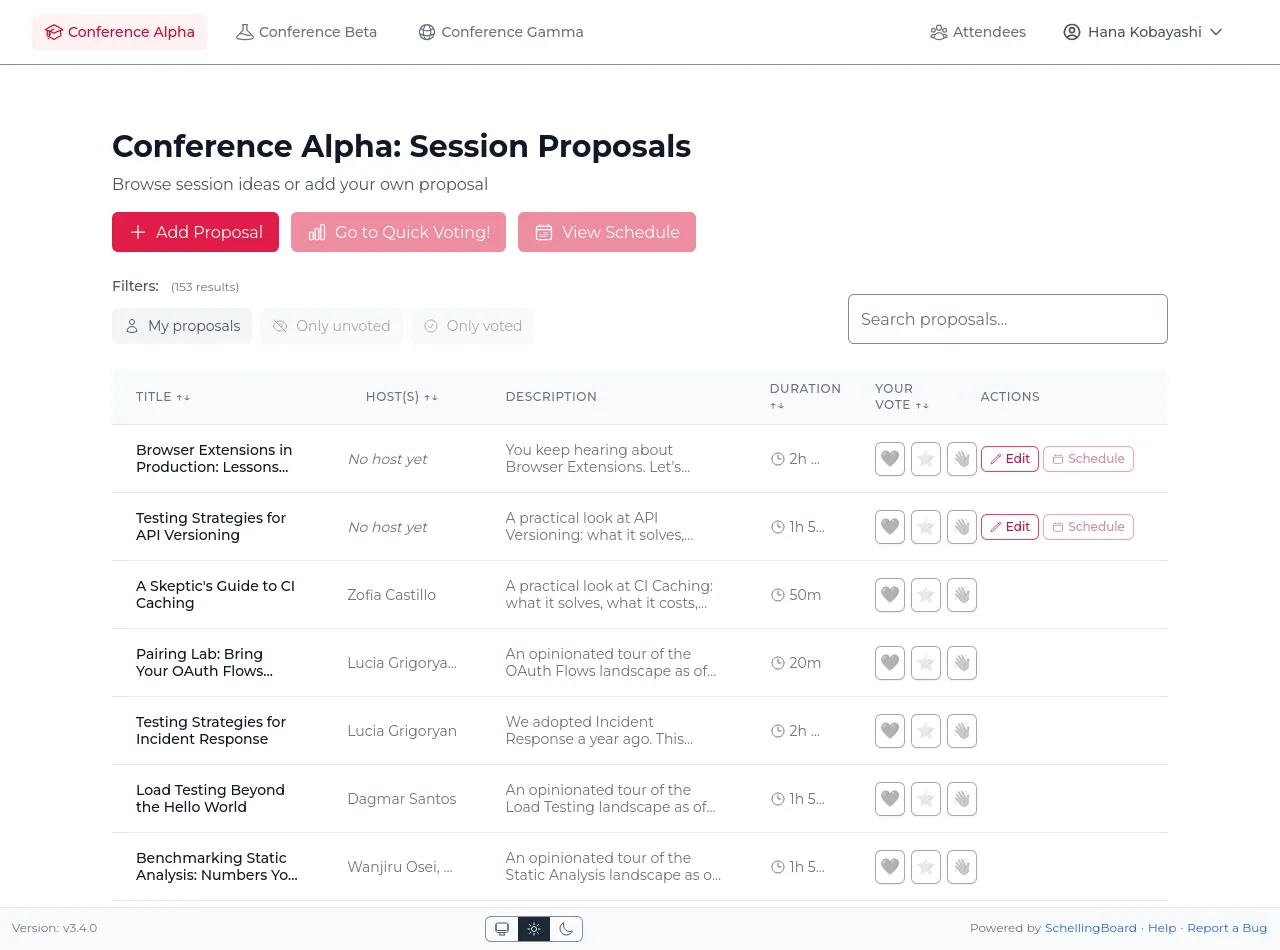
all listed from one home page.2. Browse proposalsSearch, filter, and sort session proposals right from the
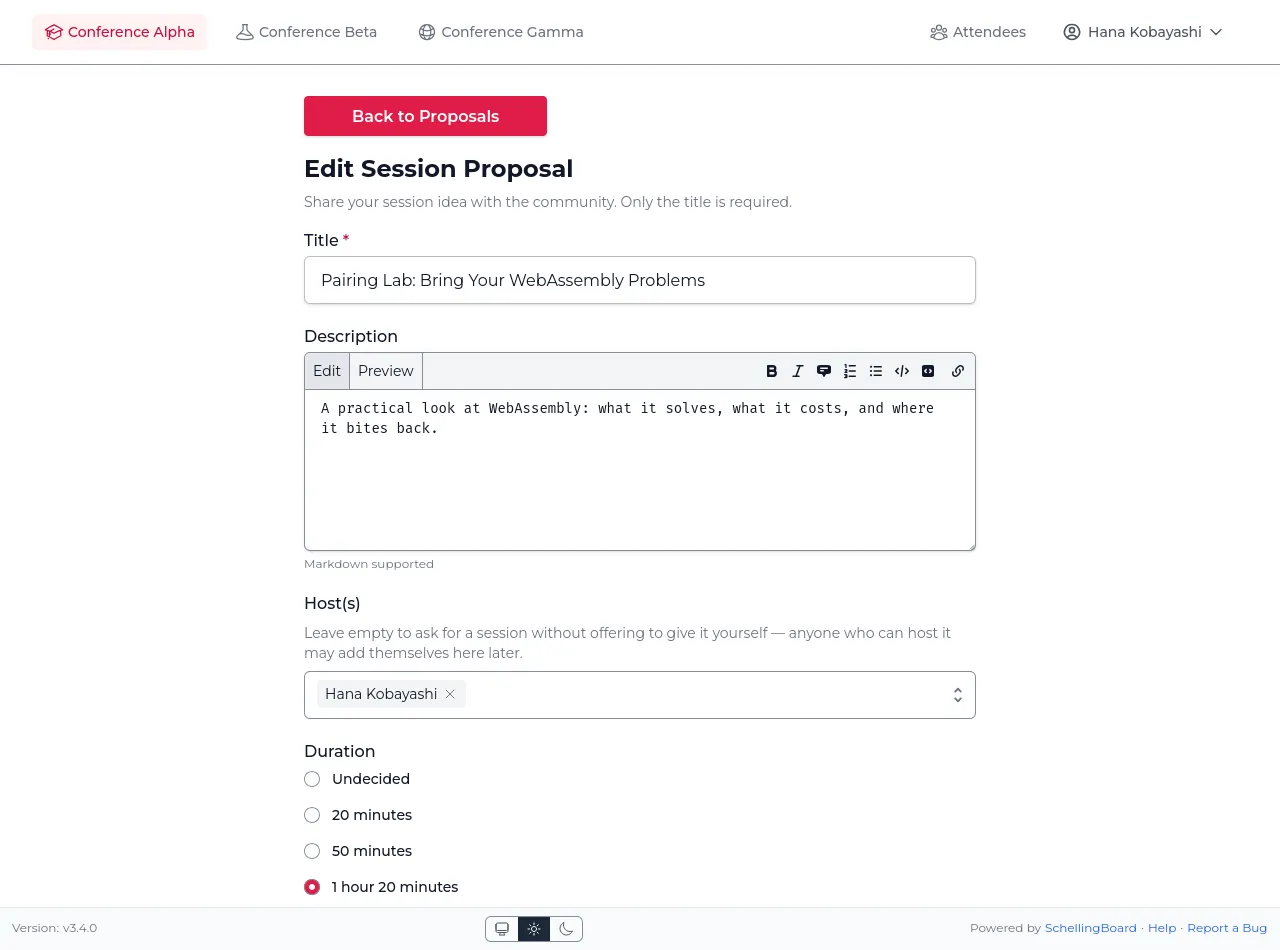
list.3. Propose a sessionAttendees submit an idea in seconds — only a title is
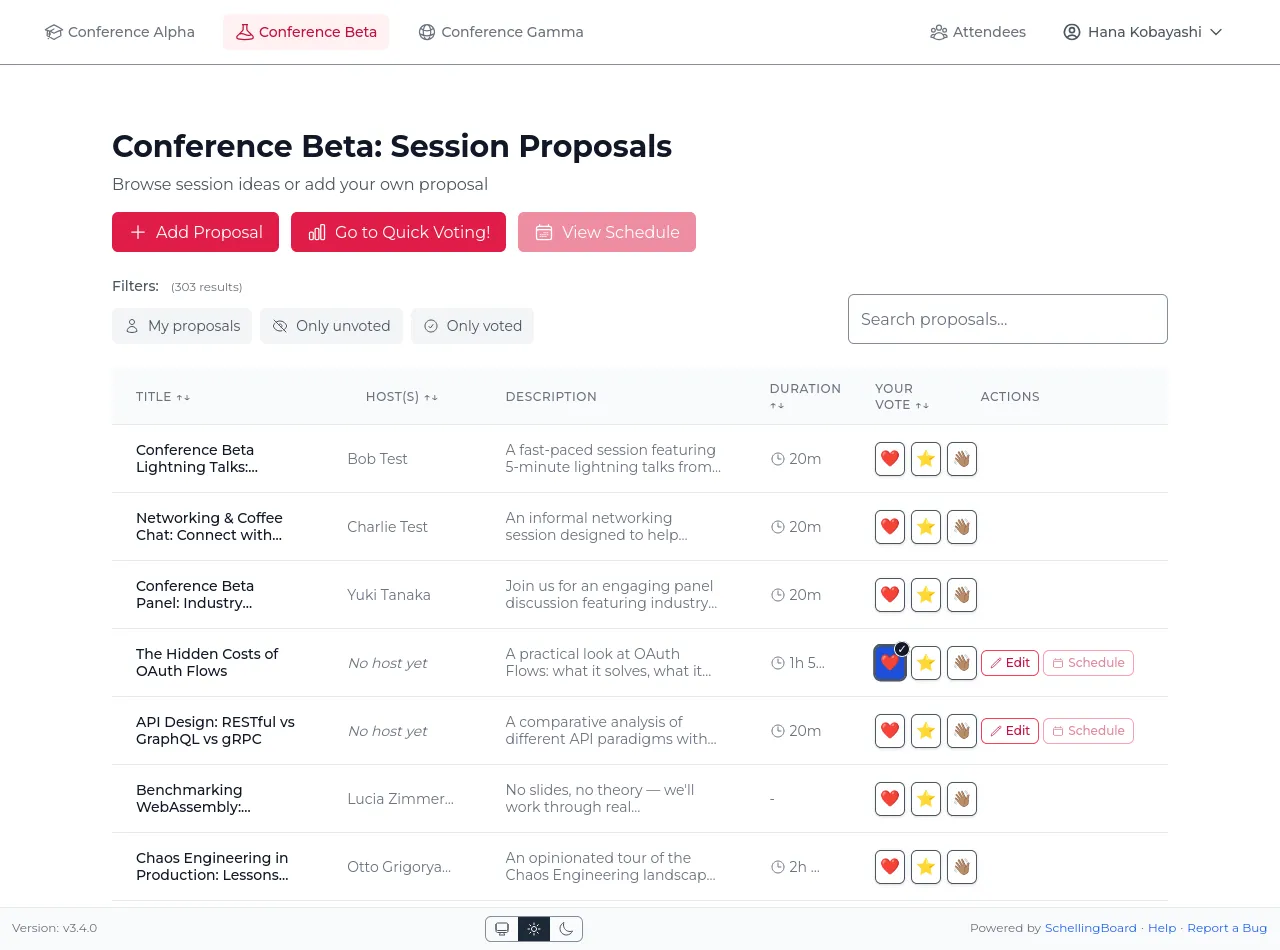
required.4. Vote at a glanceCast Interested / Maybe / Skip votes right from the list and see
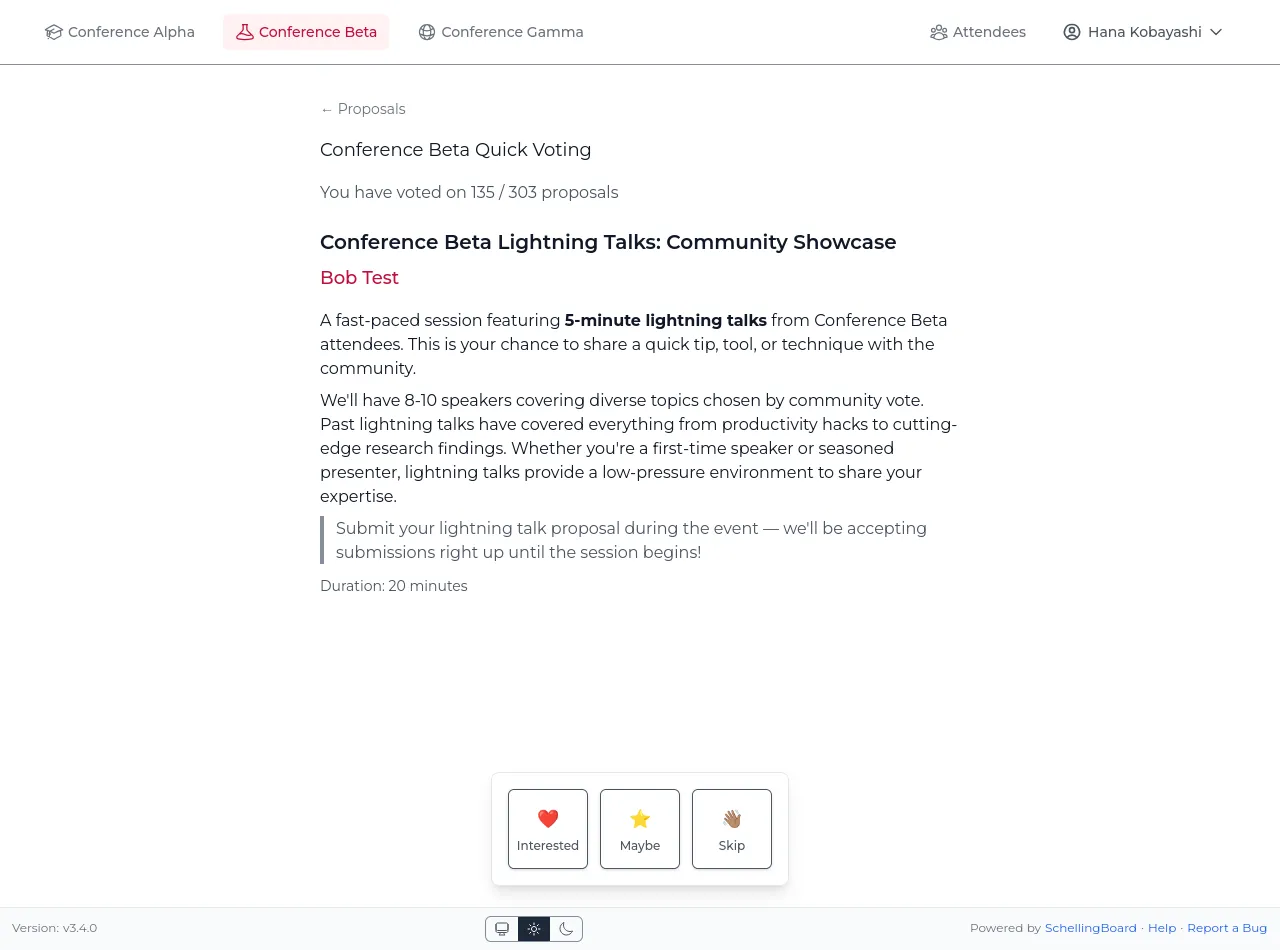
your choices highlighted.5. Quick Voting modeGo through every proposal one at a time to vote quickly on all of
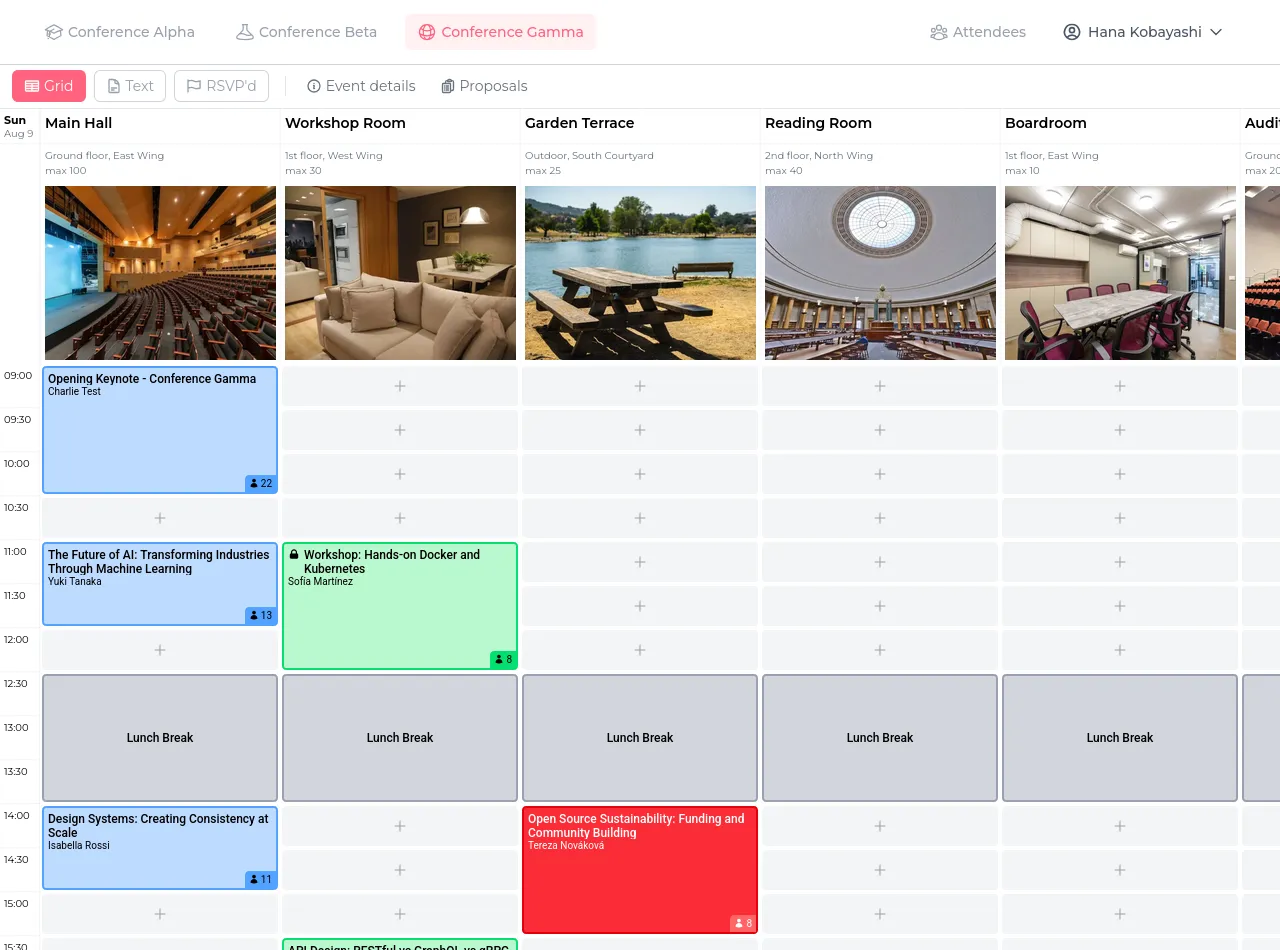
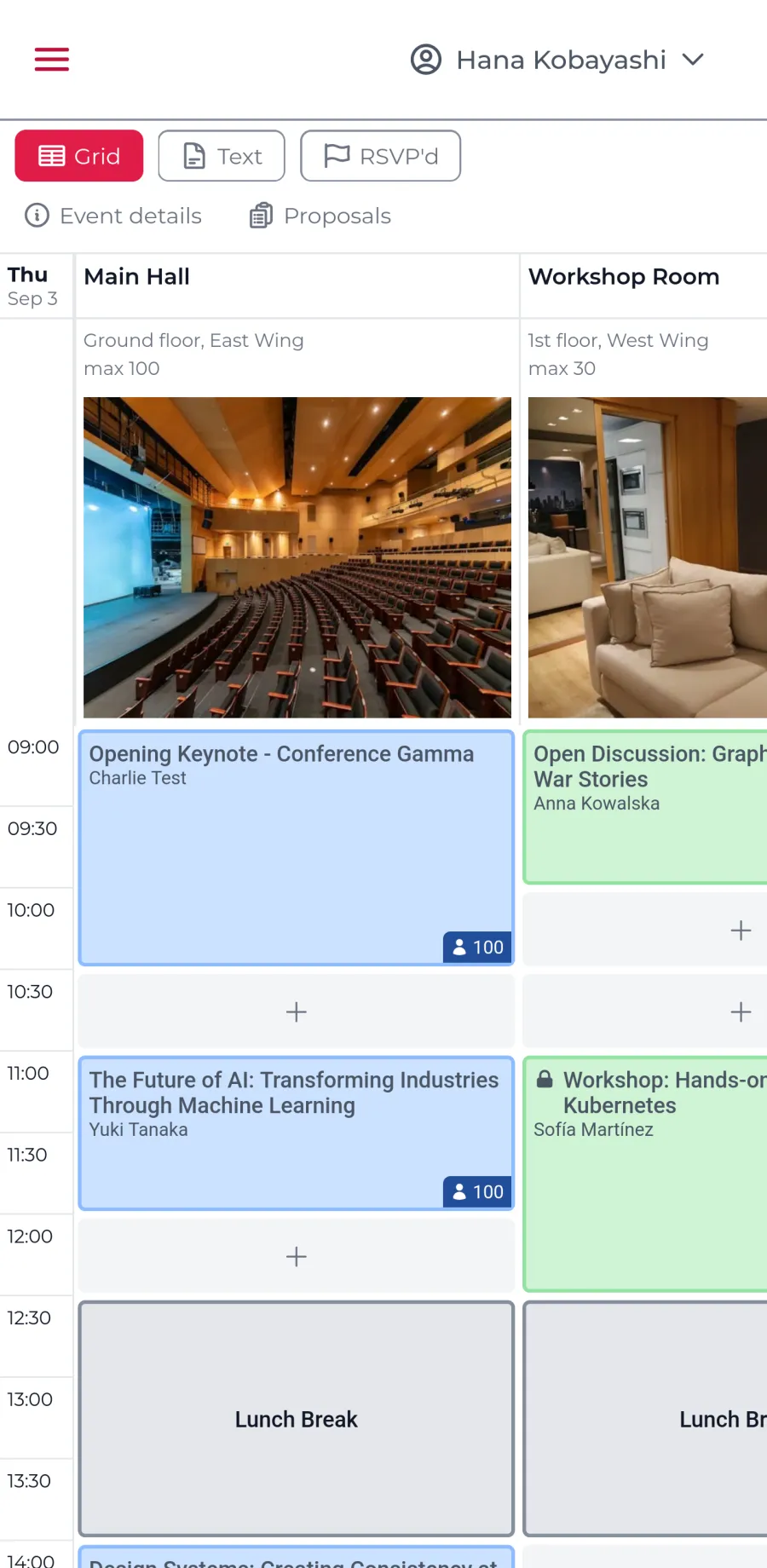
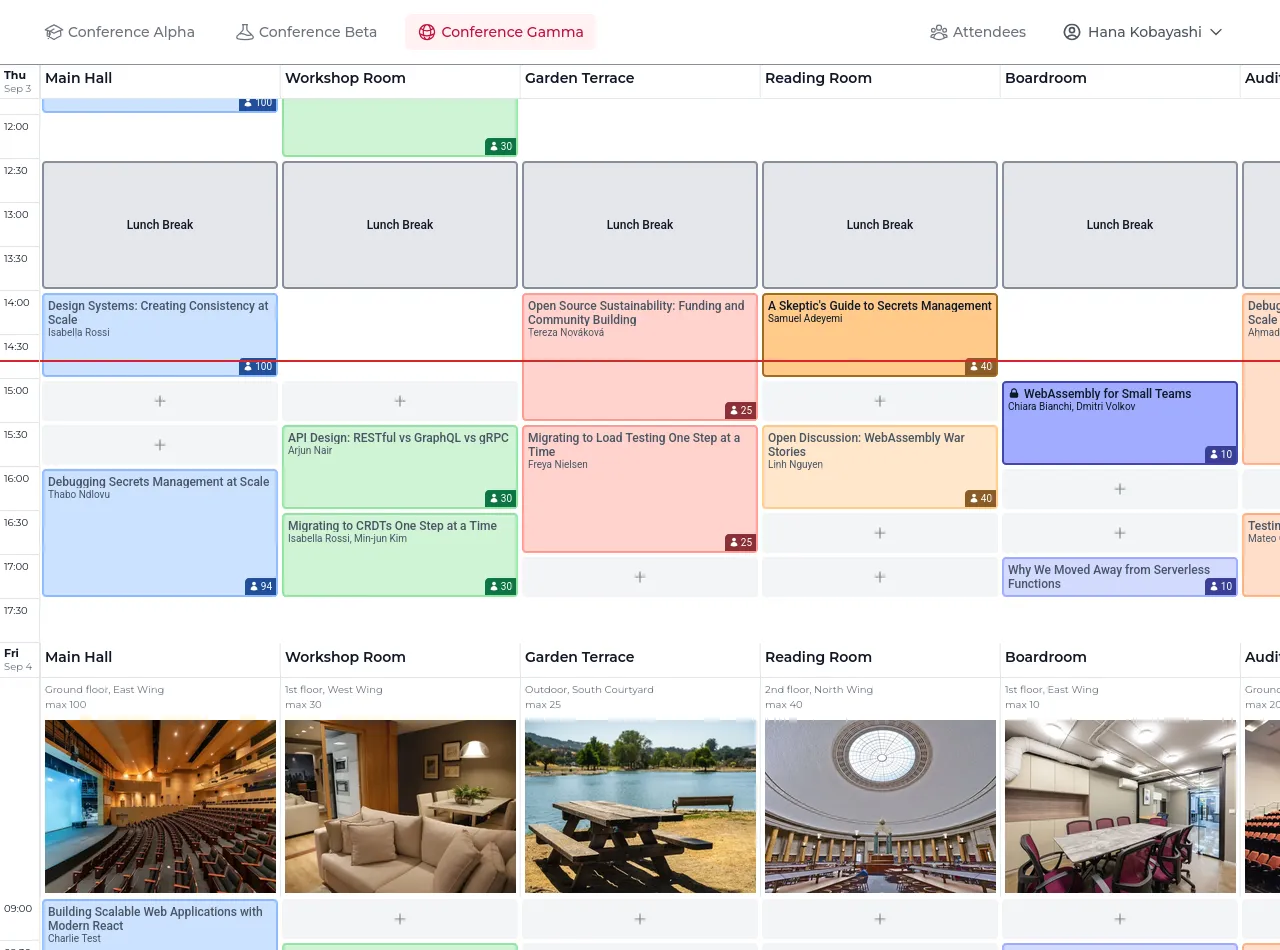
them.6. Build the scheduleHosts place proposals on a time-and-room grid, with room photos,
capacity, and location shown inline. The first column is the
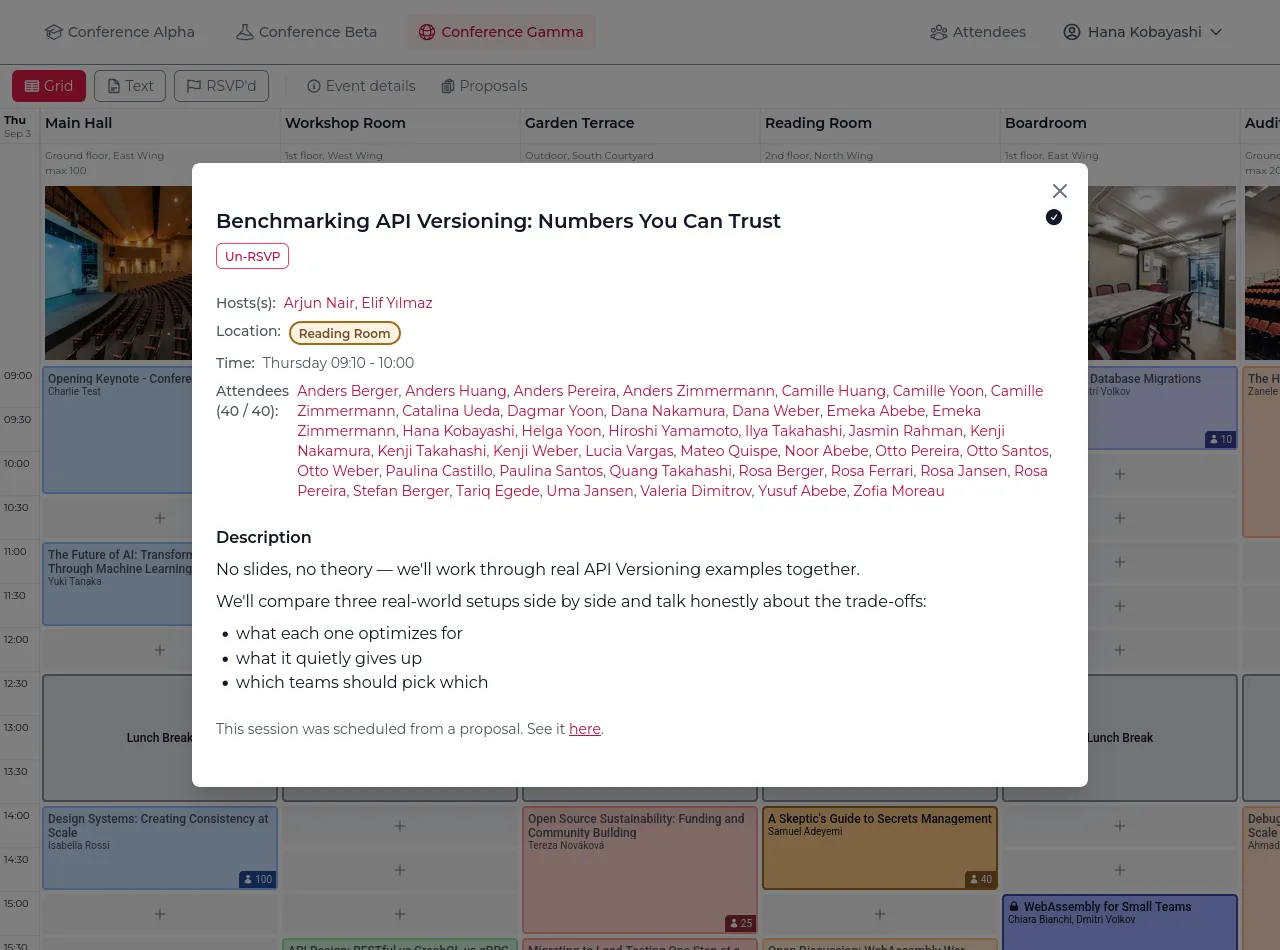
viewer's own 1-on-1s.7. Session details, at a glanceClick any scheduled session for hosts, attendees, timing, and the
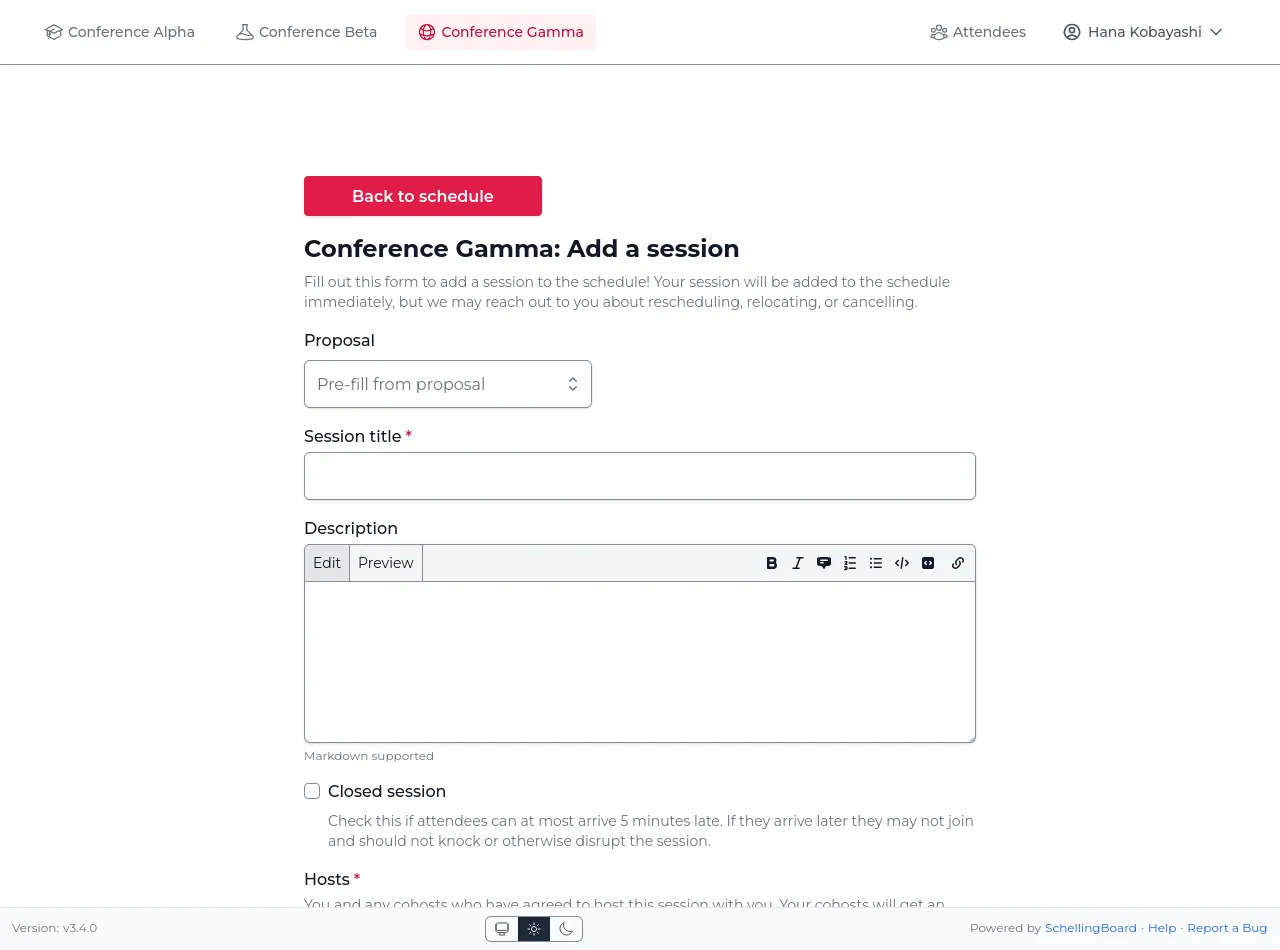
full description.8. Add sessions directlyHosts can skip the proposal queue and add a session straight to
the schedule, including closed-session and capacity
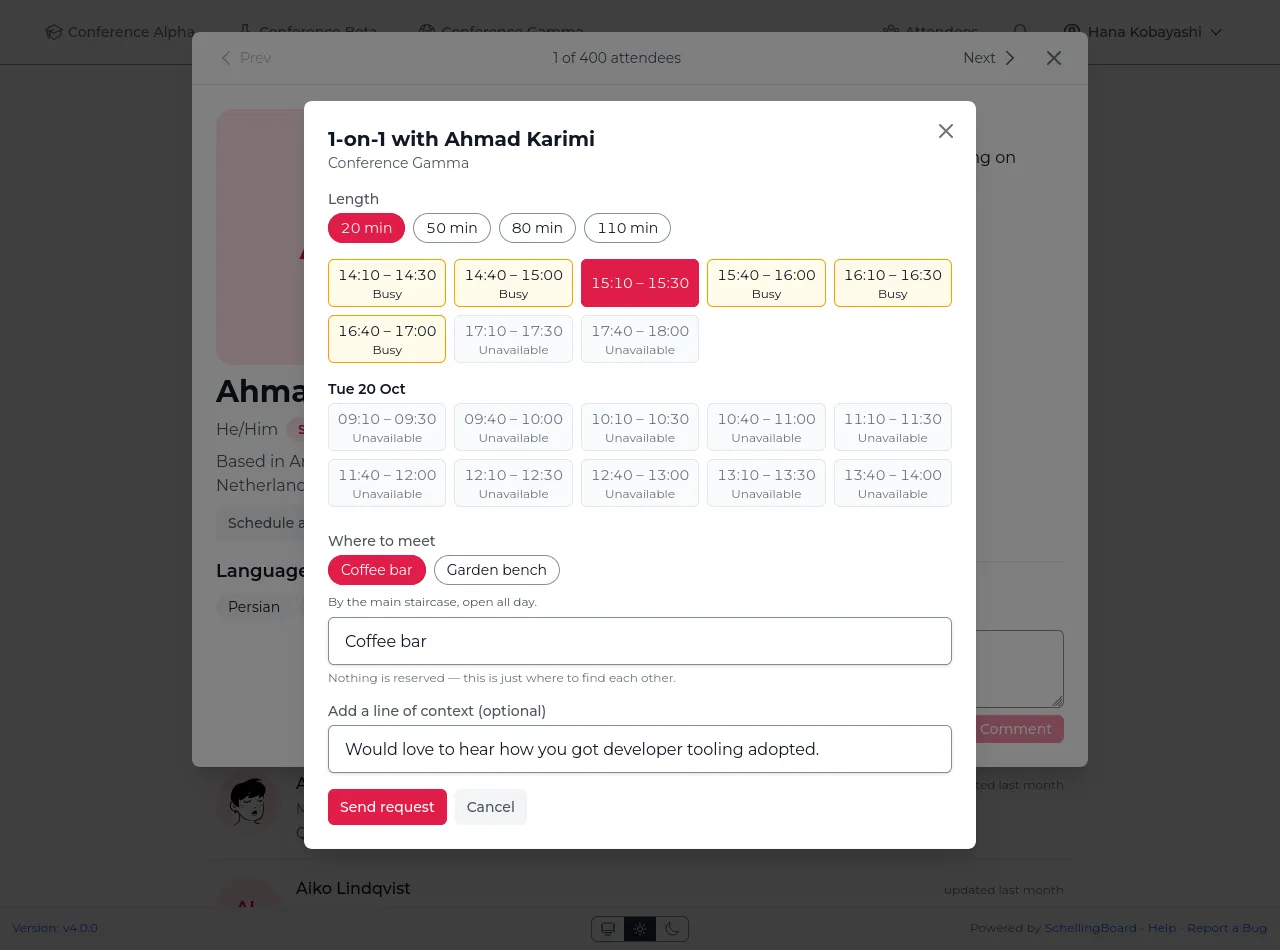
settings.9. Ask someone for a 1-on-1Pick an hour they marked free, say where to meet, and add a line
of context. Clashes are a warning, never a wall.
Attendees & profiles
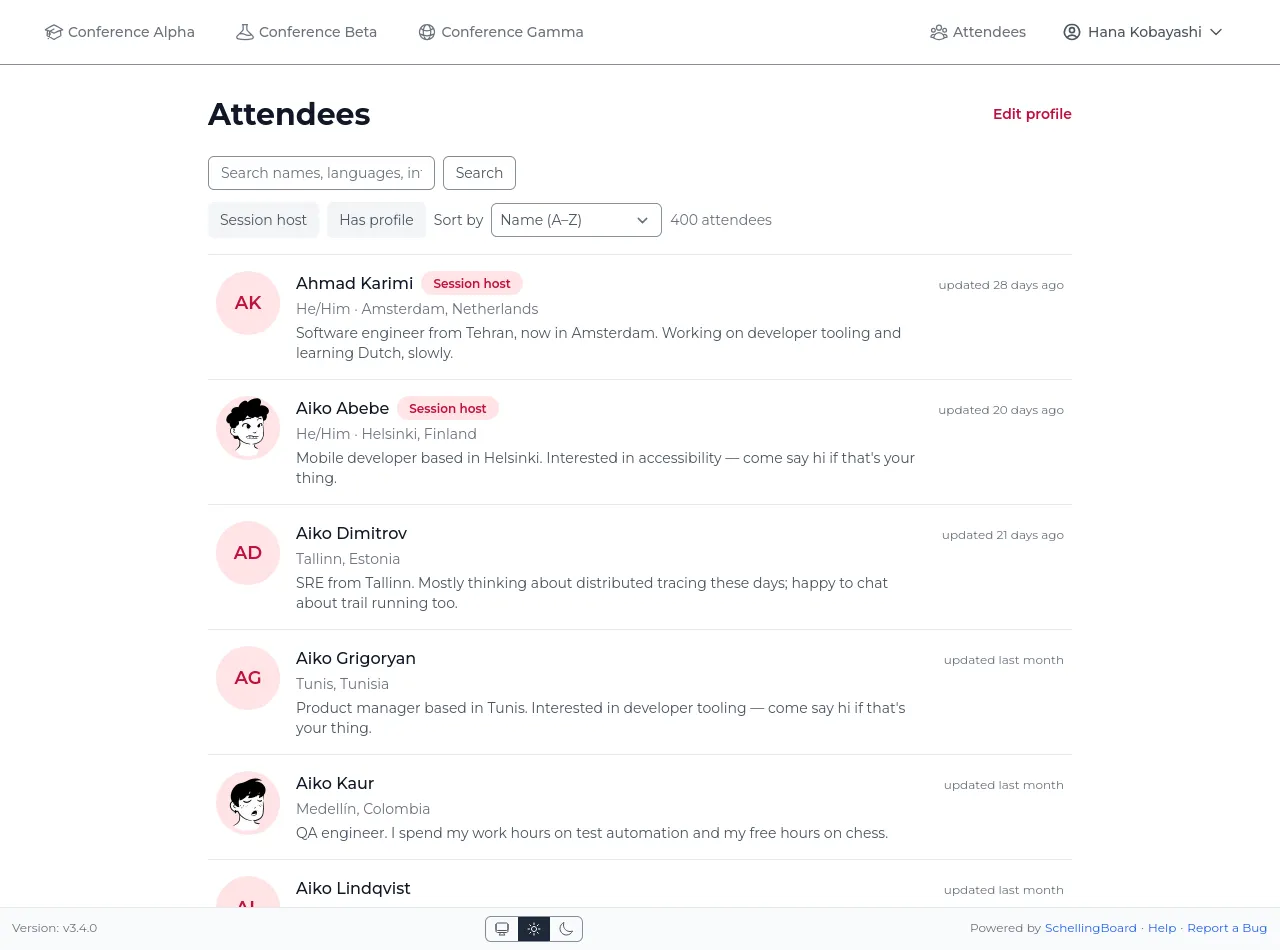
10. Attendee directorySearch everyone at the event and see who's hosting a session at a
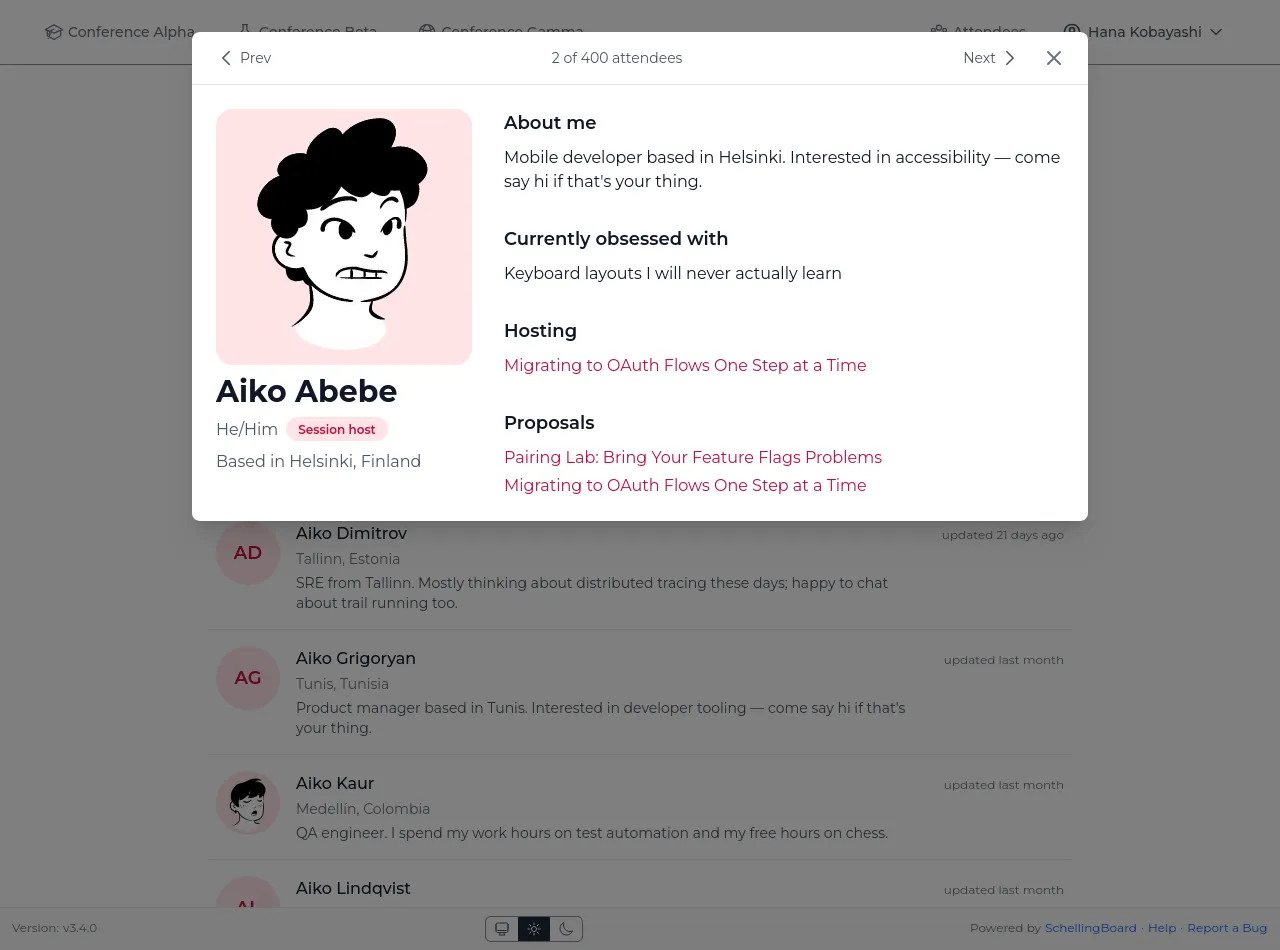
glance.11. Participant profilesEveryone gets a profile with their bio, proposals, and the
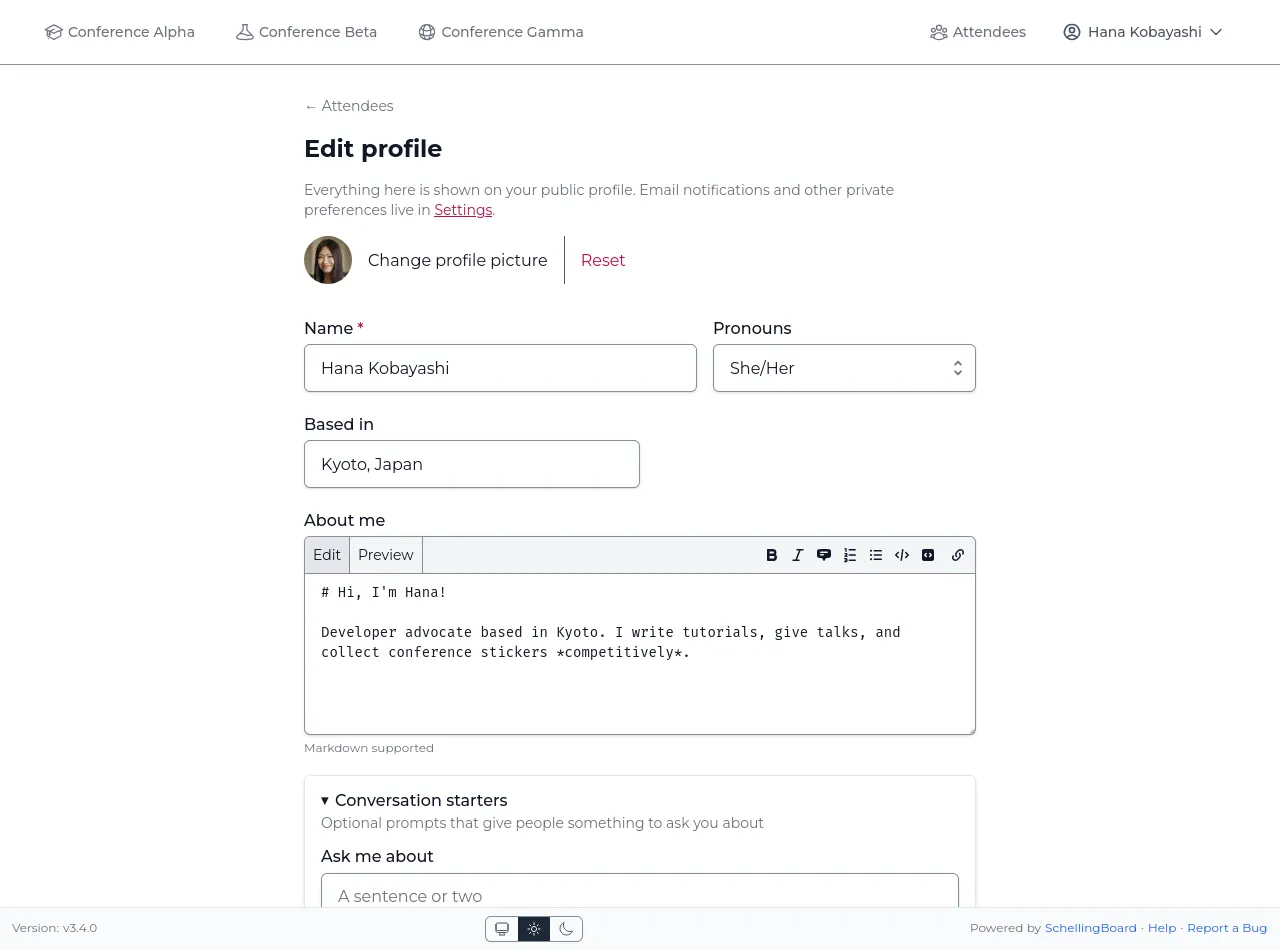
sessions they're hosting.12. Edit your profileSet your name, pronouns, avatar, and a Markdown bio.
On mobile
13. Works great on mobileThe full schedule is usable on a phone, so attendees can check it
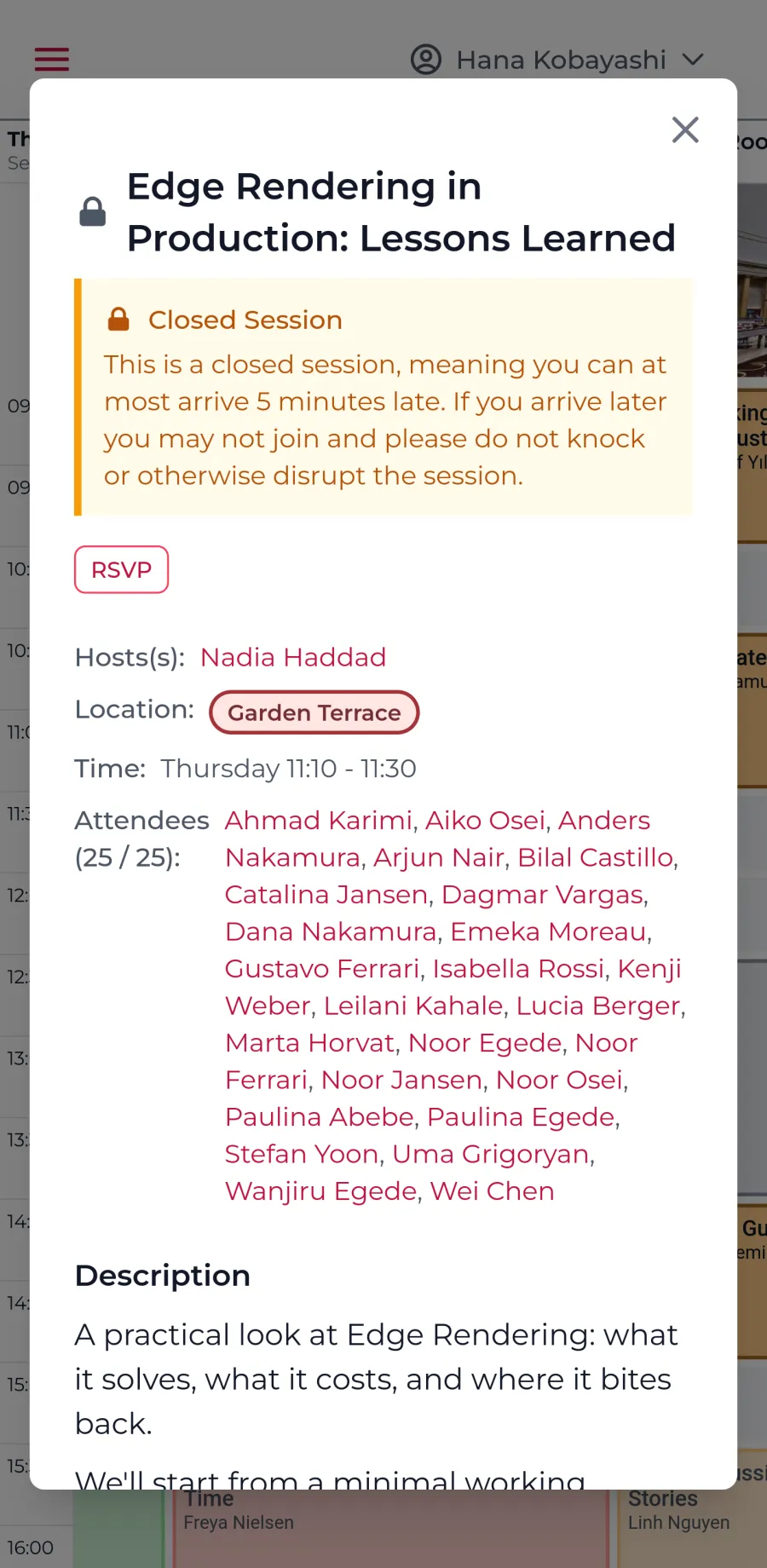
on the go.14. Closed-session noticesAttendees are warned about late-arrival rules before they RSVP
(here the mobile view).
Admin
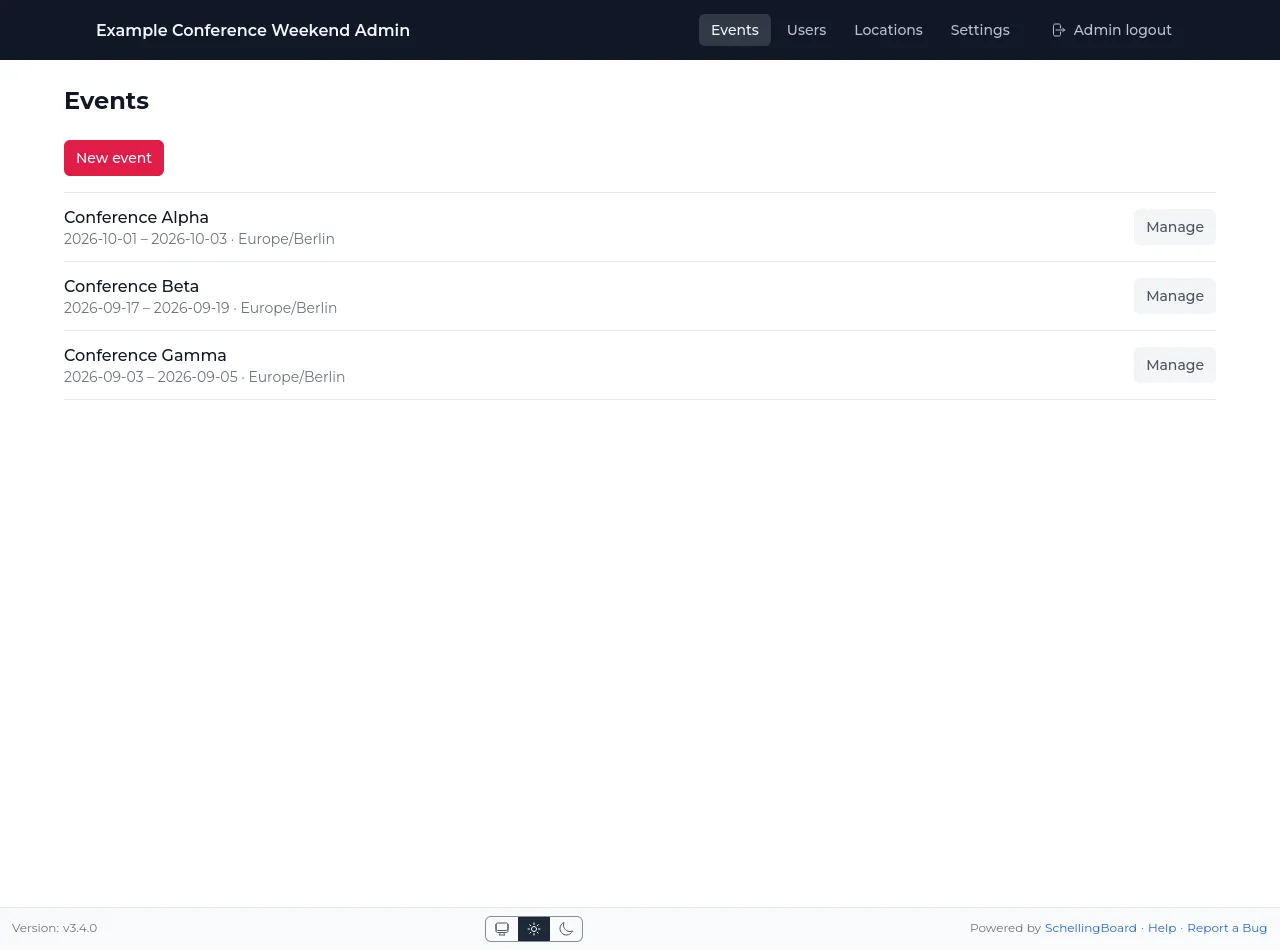
15. Admin: manage all your eventsSee every event's dates and jump straight into managing
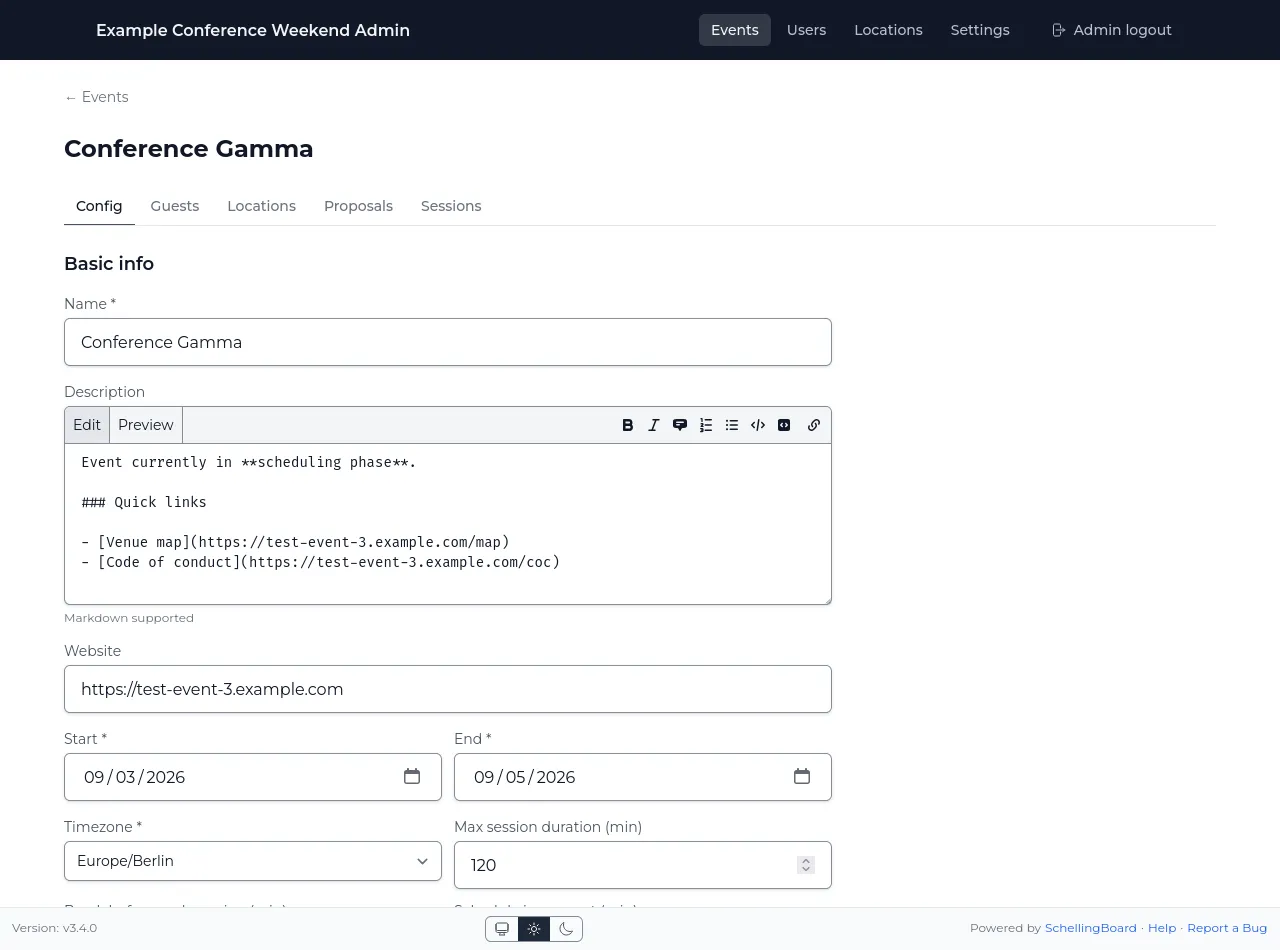
one.16. Admin: configure each eventSet the name, description, dates, timezone, and scheduling rules
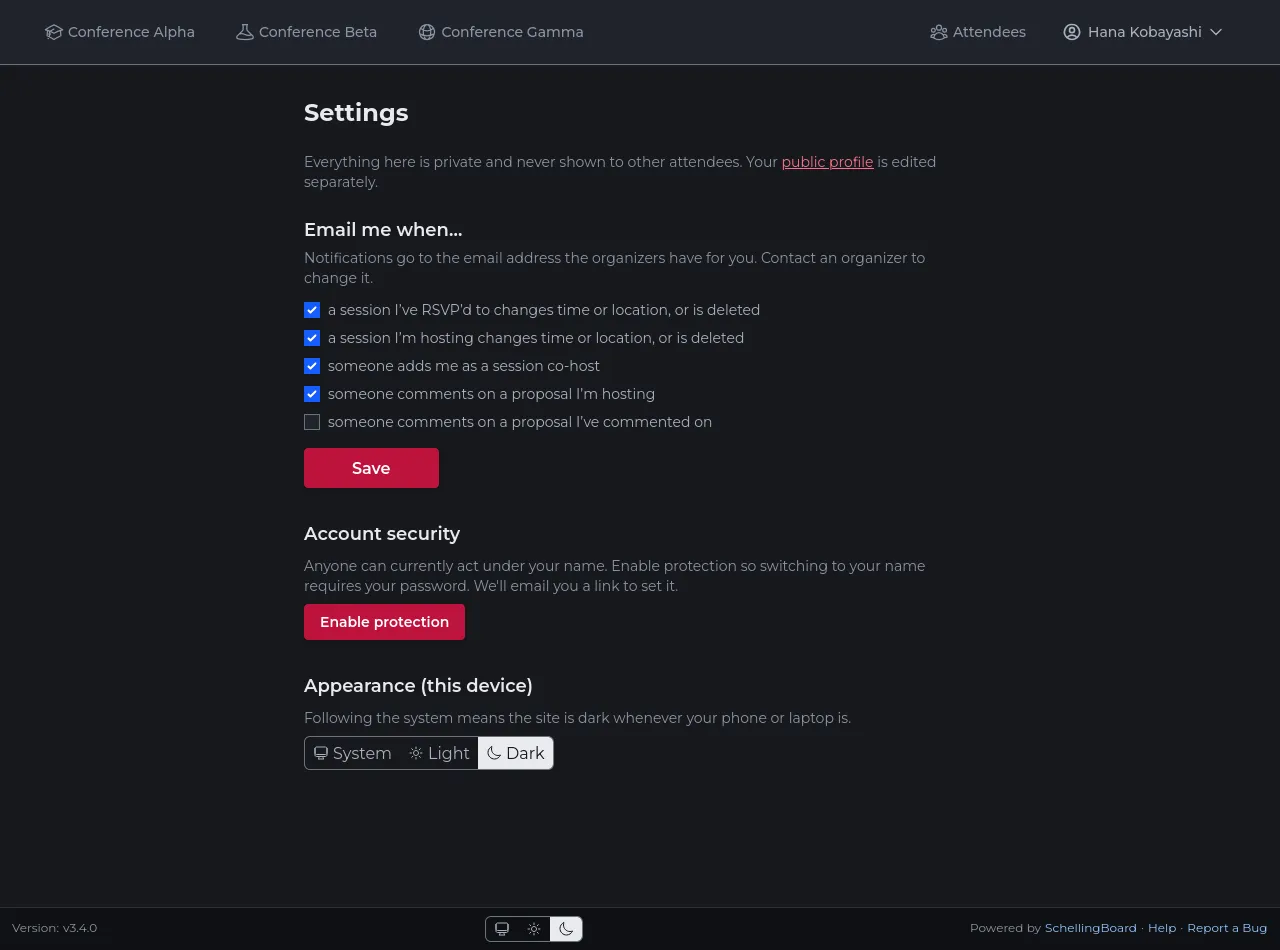
per event.17. Notifications & account securityChoose which changes you get emailed about, and protect your name
with a password so no one else can act as you. Here in dark mode,
which is of course supported!18. Kiosk mode for the venueAn unattended schedule display auto-scrolls to the current time,
marked with a red line, and stays fresh without anyone touching
it.
Want the detail behind these screens?
The documentation covers the attendee experience, the phase model,
every admin setting, and how to run your own instance.